Nonprofit websites that make the mission easier to understand.
A nonprofit website has to explain the cause, build trust, invite support, organize programs, and make action simple. Livewire builds nonprofit websites that help visitors understand the mission, donate, volunteer, register, contact, and stay connected.
A good nonprofit site turns interest into action.
The story matters, but so does the path. Visitors should know what the organization does and how to help.
Different causes. Same need for clarity and trust.
Nonprofit websites need to be warm, credible, organized, and action-focused. We help translate your mission into a site people can understand quickly and use easily.
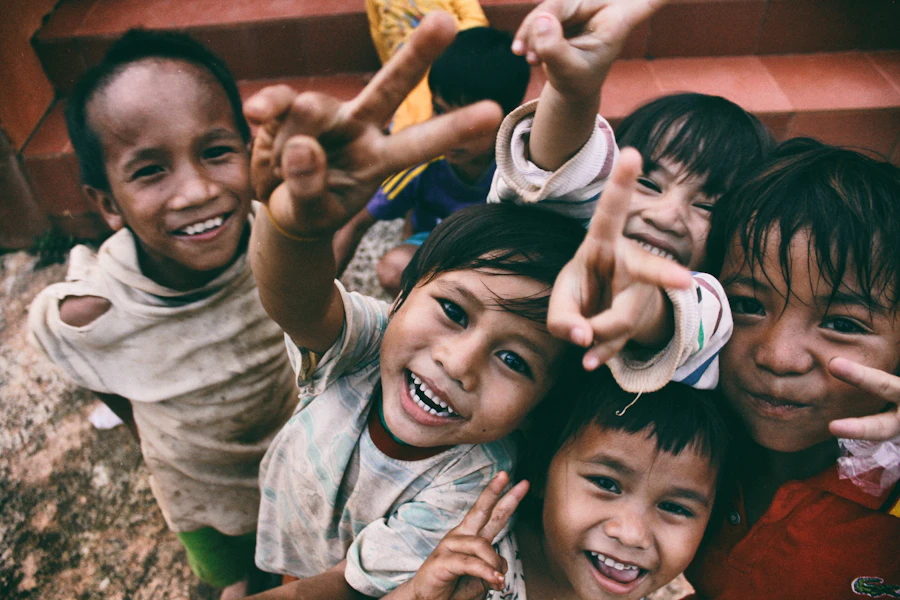
Community Nonprofits
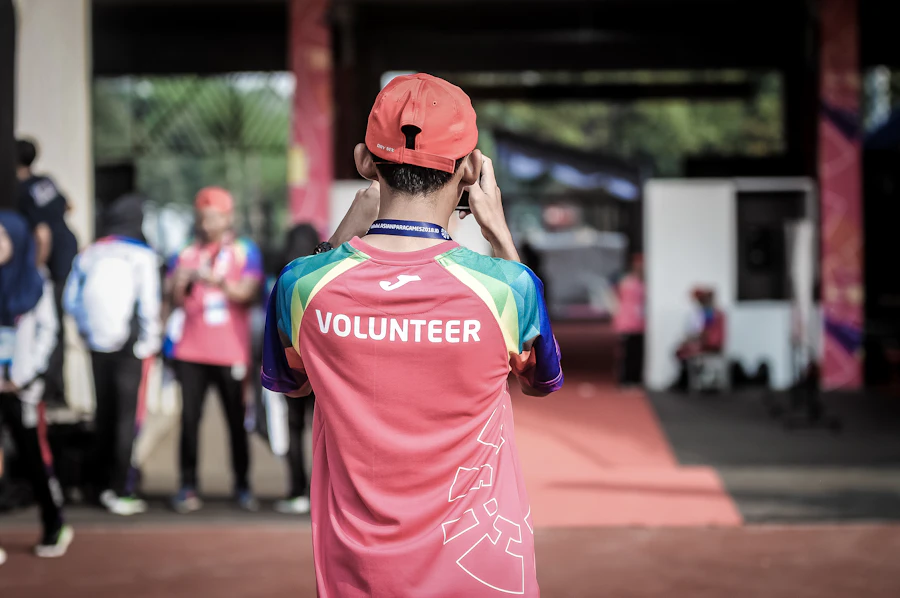
Volunteer Organizations

Education Programs

Faith-Based Ministries
People support what they can understand and trust.
A nonprofit website should make the mission obvious, the impact visible, and the next step easy. We structure pages around the real questions visitors ask: who you help, what you do, why it matters, how donations are used, and how someone can get involved.
Tell the mission clearly
Strong homepage messaging, program pages, impact sections, photos, and stories help visitors understand the work.
Make support easy
Donation buttons, volunteer forms, event registration, contact paths, and calls-to-action should be simple and visible.
Build confidence
Leadership, testimonials, partner logos, reports, photos, outcomes, and clear program information help establish credibility.
Support the Mission
Built around the mission, the audience, and the next step.
We help organize your message, programs, donation paths, volunteer opportunities, events, and resources into a site that feels polished, personal, and easy to manage.
Mission discovery
We clarify who you serve, what you offer, what matters most, and what action visitors should take.
Content structure
We organize programs, services, resources, team information, events, donations, and contact paths.
Visual storytelling
Photos, impact stats, stories, testimonials, and warm layouts help make the organization feel real.
Donation and form paths
We create clear routes for donations, volunteer signups, event registrations, applications, and inquiries.
Accessibility and usability
Nonprofit websites should be easy for everyone to use, with clear content, contrast, headings, and mobile flow.
Long-term support
Hosting, security, updates, new pages, event changes, content edits, and routine support after launch.
The website can support donations, programs, events, and local visibility.
Many nonprofits need more than a nice homepage. They need program pages, searchable resources, event updates, SEO structure, donation paths, and a system that can grow with the organization.
Program and resource pages
Clear pages for services, programs, eligibility, resources, applications, locations, and frequently asked questions.
Events and campaigns
Landing pages, event updates, fundraising campaigns, announcements, newsletters, and seasonal initiatives.
SEO and reporting
Search-friendly page structure, local relevance, content expansion, analytics, and ongoing improvement.
Nonprofit Website Growth Snapshot
A nonprofit website foundation built to grow.
Every nonprofit is different, but the essentials are consistent: tell the story, organize the programs, make support easy, and keep the site manageable after launch.
Custom WordPress design
A modern, mission-centered website designed around your cause, audience, programs, and goals.
Donation paths
Clear donation calls-to-action, giving pages, campaign sections, and support-focused page flow.
Volunteer and contact forms
Forms for volunteer interest, event registration, applications, general contact, and program inquiries.
Program pages
Clear pages for services, ministries, outreach programs, community resources, education, or support areas.
Events and updates
News, events, campaign pages, announcements, impact updates, and content areas staff can maintain.
Hosting and support
Ongoing hosting, backups, malware scans, WordPress updates, routine content help, and practical long-term support.
Ready for a nonprofit website that makes your mission easier to support?
Livewire can help your nonprofit, ministry, foundation, program, or community organization build a clearer, warmer, more useful website that helps people understand the work and take the next step.